How it works
This ai prompt engineering pack is a set of structured system prompts and instruction templates you drop into the tools you already use. Each prompt sets a role, constraints, and an output contract up front, so the model starts from your conventions instead of guessing. You paste a prompt into Claude or ChatGPT, or commit an instruction file to your repo for Copilot and Cursor, then supply the code, schema, or diff you want worked on.
The four components
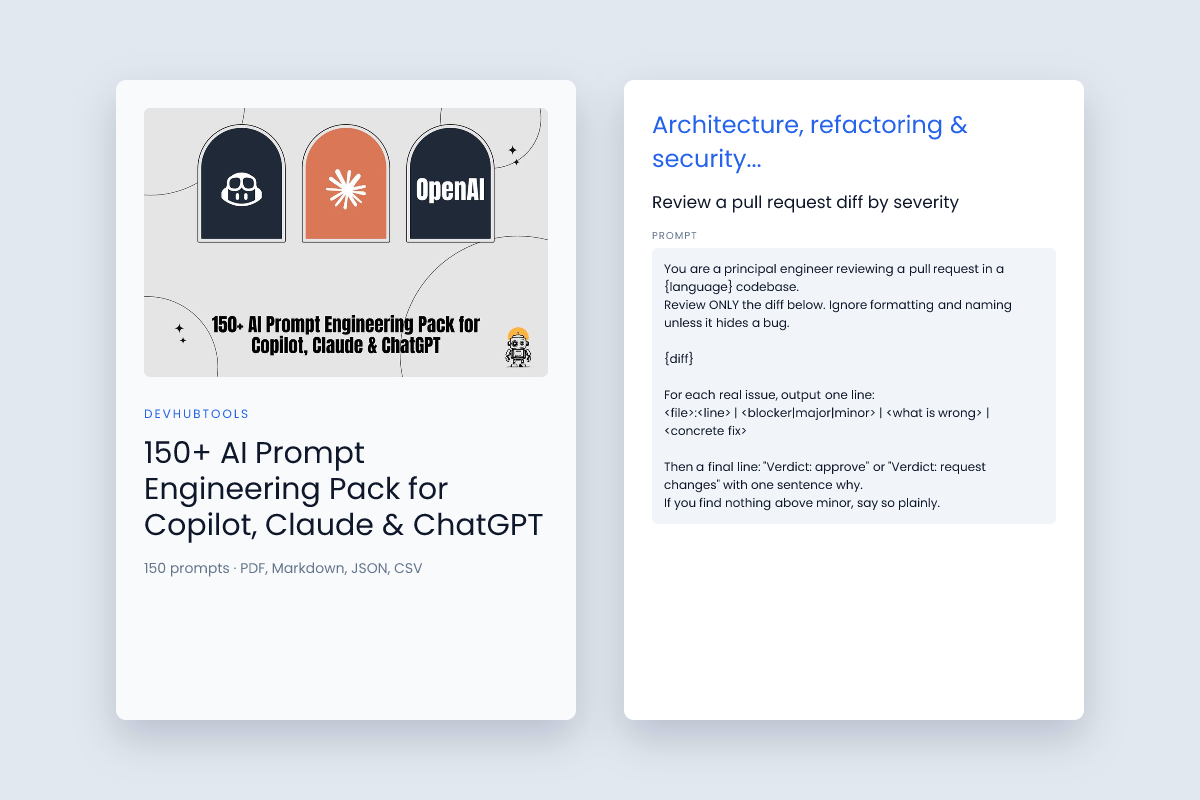
- 50 architecture, refactoring and security audit prompts for Claude and GPT-4o. These set the model up as a reviewer or architect with explicit rules: strict typing, early returns, parameterized queries, input validation at boundaries.
- 40 inline
.github/copilot-instructions.md and Cursor rules templates. Repo-level instructions that apply to every generation in that project, not just one chat.
- 30 DevOps, Dockerfile, Kubernetes and SQL performance tuning prompts. Aimed at query plans, index choices, container hygiene, and manifest review.
- 30 content creator and developer marketing prompts. Turn a tutorial into a blog post, then a video script, then short-form copy.
A typical loop
- Pick the prompt that matches the task — a PR review, a slow query, a legacy module to port.
- Fill in the placeholders: language, framework, schema, constraints, what "done" looks like.
- Run it against your code or diff.
- Read the output as a draft from a strong reviewer, not as final code. Apply, test, adjust.
Here's the shape of an instruction template, from the pack:
# .github/copilot-instructions.md (Included in Prompt Pack)
You are a Principal Full-Stack Architect. For every code generation:
1. Enforce strict TypeScript types (zero 'any').
2. Prefer early returns and explicit error boundaries.
3. Parameterize all SQL/Drizzle queries and validate inputs at API boundaries.
4. Include concise JSDoc comments explaining WHY, not WHAT.
What to expect
Results depend on the model, the tooling, and the context you supply. Prompts may need adjustment for your stack and conventions — treat the templates as a starting point, not a fixed contract. The pack is a prompt and template library, not a code-generation service, and it doesn't guarantee specific performance or quality outcomes. It's listed as coming soon, so availability and final contents may change.
Requirements
This is a prompt and template library, so there's no runtime, no dependency tree, and nothing to install. What you need is the tooling you already use and enough context to feed the prompts properly.
AI tools
The prompts and templates are written for Copilot, Claude, and ChatGPT, including GPT-4o. The instruction templates target repository-level setups such as .github/copilot-instructions.md and Cursor rules, so you'll want a repo where you can commit those files and a Copilot or Cursor setup that reads them.
Editor and repository access
For the inline instruction templates, you need write access to the repository root so the agent picks up the rules file. If your team gates changes through pull requests, plan for the rules file to go through review like any other config change — it affects everyone's generated output.
Context you supply
Every prompt in the pack depends on what you give it. In practice that means:
- The actual code, diff, or query you want reviewed or tuned
- Your stack and conventions — framework, language version, lint rules, naming patterns
- Schema or type definitions where the prompt touches data access
- Error output, explain plans, or logs for debugging and tuning prompts
Thin context produces thin output. The prompts are structured to ask for specifics, but they can't infer your conventions from nothing.
Model access and limits
You need API or chat access to whichever model you're targeting, and enough context window to hold the code you're passing in. Large files may need to be split before they fit. Check your plan's rate limits if you're running batch reviews across many pull requests.
What it won't do
Results depend on the model, the tooling, and the context you supply, so expect to adjust prompts for your stack and conventions. The pack is a prompt and template library, not a code-generation service, and it doesn't guarantee specific performance or quality outcomes. It's listed as coming soon, so availability and final contents may change — check the current listing before you plan around it.
Customizing it
The prompts are starting points, not fixtures. Every template in the pack is plain text you can edit, and the ones that matter most are the instruction files that live in your repo.
Start with the instruction templates
The 40 inline .github/copilot-instructions.md and Cursor rules templates are the highest-leverage place to customize, because they apply to every generation in that repository rather than a single chat. Take the closest template and rewrite the rules to match what your codebase actually enforces:
# .github/copilot-instructions.md
You are a Principal Full-Stack Architect. For every code generation:
1. Enforce strict TypeScript types (zero 'any').
2. Prefer early returns and explicit error boundaries.
3. Parameterize all SQL/Drizzle queries and validate inputs at API boundaries.
4. Include concise JSDoc comments explaining WHY, not WHAT.
Swap the stack-specific lines for yours. If you're on Apex, the TypeScript and Drizzle rules don't apply — replace them with your bulkification and governor-limit conventions. If you're on Prisma instead of Drizzle, say so explicitly; models default to the most common pattern unless told otherwise.
Make the rules specific to your conventions
Generic instructions produce generic output. The customization that pays off is naming your actual constraints:
- Naming and structure — file layout, module boundaries, where shared types live.
- Error handling — your result type, your logging call, how you surface failures to callers.
- Testing — the framework, where tests sit, what a minimal test looks like in your repo.
- Things to never do — deprecated internal APIs, direct DB access from controllers,
any, whatever your team keeps catching in review.
Keep the file short. A tight list of ten rules the model can actually follow beats a page of prose it will skim.
Tune the audit and tuning prompts per project
The architecture, refactoring, and security audit prompts take context you supply. Add your threat model, your compliance constraints, and the parts of the codebase that are off-limits to change. Same for the SQL and Kubernetes tuning prompts: include your engine version, your orchestration setup, and your actual performance targets so the suggestions land in the right range.
Iterate like code
Treat a prompt change like any other change: keep it in version control, note what you changed and why, and revert when output gets worse. Expect a few rounds of adjustment per stack — the pack is a template library, and results depend on the model, tooling, and context you provide.